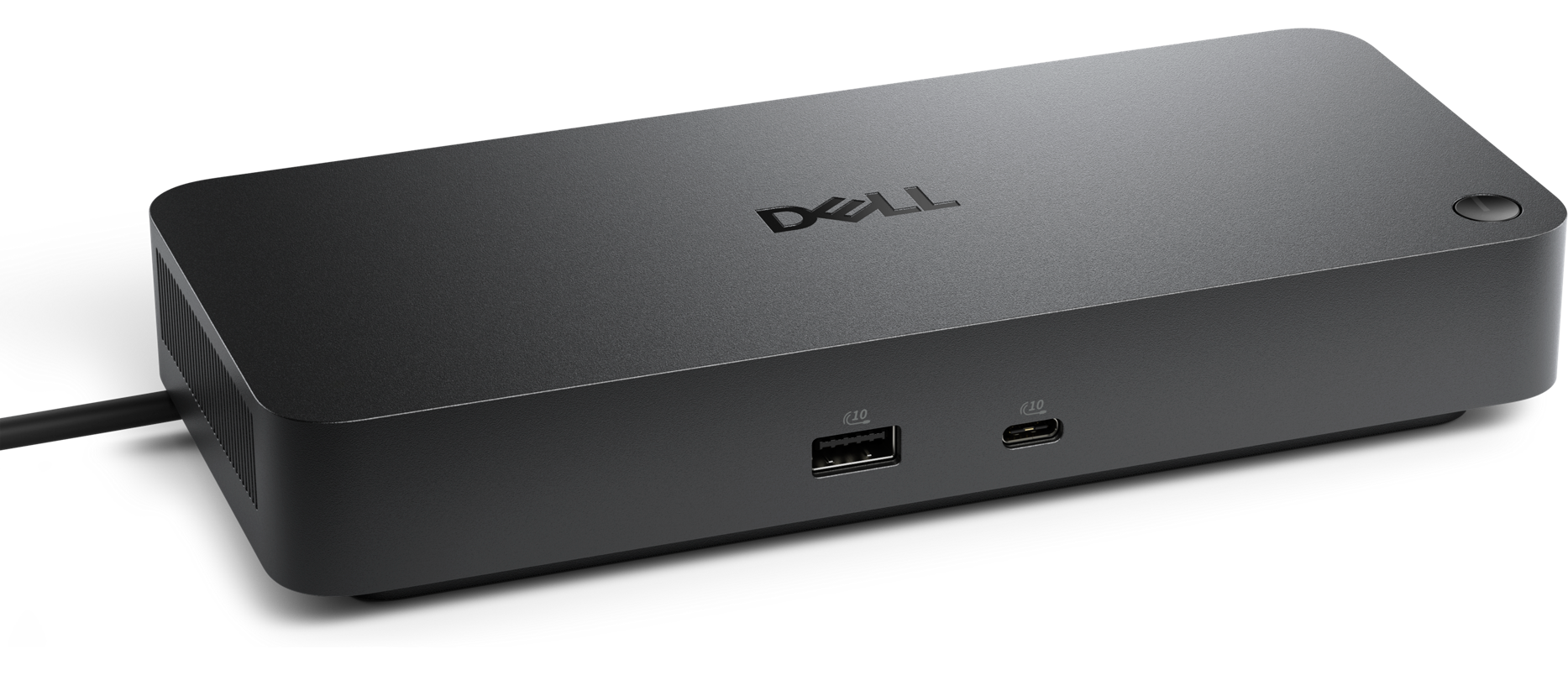
Conquer intense workloads with the Dell's most powerful Thunderbolt 5 Dock, and with up to 300W power delivery.
Engineered for professionals who demand the best in performance, security, and design.
Drive up to 100W of power delivery to your latest Dell AI PCs, support up to 4 displays, and connect multiple devices via 6 USB ports for an optimized workspace.
Manage your dock through the Dell Device Management Console using Dell Display and Peripheral Manager for seamless updates and maintenance.
Deploy a single firmware file across workspaces and perform silent updates upon dock disconnection to minimise end-user disruption.
Enjoy universal compatibility features like MAC Address Pass-Through and Power Button Sync for a reliable docking experience across multiple brands.
Configure your workspace with the ambidextrous USB-C cable that can be routed left or right, adapting to your desk setup.
Front and rear ports include USB-A 3.2 Gen 2 with PowerShare, USB-C 3.2 Gen 2, HDMI 2.1, DisplayPort 1.4, 2.5GbE Ethernet, and Power In for all your devices.
Built with post-consumer recycled materials, packaged with recycled or renewable packaging, and designed for low power consumption on standby mode.
Access drivers, manuals, diagnostic tools, and replacement parts easily via Dell Product Support to keep your dock running smoothly.

Full specifications for the model
| SKU | WD25TB5 |
|---|---|
| Technical Information | Connectivity Technology: Wired Device Supported: Notebook, Desktop PC Cable Length: 83 cm Features: Power Delivery Pass-through LED Power Indicator Indicator Light Management Features: Intel AMT over Thunderbolt with select Intel vPro PCs MAC Address Pass-through PXE Boot Dock Power Button Sync Wake-on-LAN WLAN to LAN Switch Kernel Direct Memory Access (DMA) Protection Dell Command Update (DCU) Port Disablement Host PC based firmware update Firmware update on disconnect Number of Displays Supported: 4 |
| Video Resolution | QHD @ 60Hz, WQHD @ 60Hz, 4K @ 60Hz, 5K @ 60Hz, 6K @ 60Hz, 8K @ 60Hz, 4K @ 120Hz Supported Resolutions: 3840 x 2160, 5120 x 2160, 2560 x 1440, 3440 x 1440, 7680 x 4320, 6144 x 3456 Maximum Data Transfer Rate: 1.25 GB/s Security Slot Type: Kensington Security Slot, Noble Wedge Security Slot |
| Network & Communication | Ethernet Technology: 2.5 Gigabit Ethernet |
| Interfaces/Ports | Video Interfaces: 2 x DP 2.1 1 x HDMI 2.1 1 x USB-C 3.2 Gen 2 Multi-function DisplayPort 2.1 2 x Thunderbolt 5 USB Ports (Data Only): 4 x USB-A 3.2 Gen 2 (10 Gbps) 1 x USB-C 3.2 Gen 2 (10 Gbps) Total USB Ports: 6 USB Type-A: Yes (4 Ports) USB Type-C: Yes (2 Ports) All deliver power with or without PC |
| Software | Host Software: Dell Firmware Utility Dell Display and Peripheral Manager Dell Command Update Cloud Management (via host PC software) Dell Device Management Console enables automatic firmware updates, maintain specific firmware version or downgrade, peripheral inventory and status Operating System Supported: Windows 10 Windows 11 Ubuntu 24.04 Red Hat Enterprise Linux 9.7 ChromeOS 141 macOS |
| Power Description | Maximum Power Supply Wattage: 330 W Power Source Type: Power Adapter |
| Physical Characteristics | Height: 205 mm Width: 90 mm Depth: 35.3 mm Weight (Approximate): 620 g |
| Miscellaneous | Package Contents: Pro Dock WD25TB5 Docking Station Power Adapter Power Cord Documentation (Quick Start Guide, Safety, Environmental, and Regulatory Information) Kensington Security Slot: Yes |
| Warranty | Limited Warranty: 3 Year 3-Year Limited Hardware Warranty with Advanced Exchange Additional 4- & 5-year warranty optional |
Download product documentation and resources
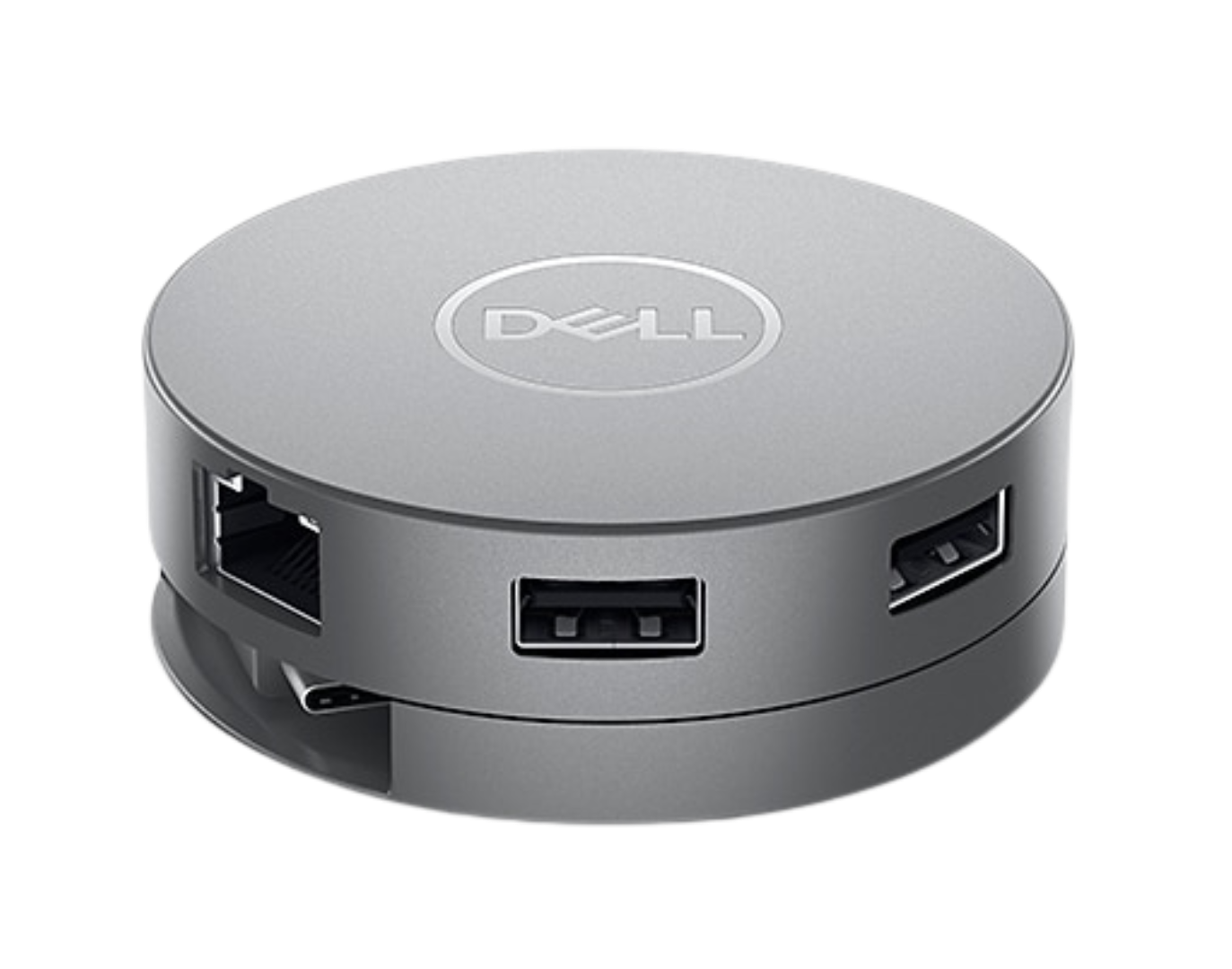
Explore other configurations and models that might suit your needs.
Recommended
#WD25
Recommended
#DA310
Recommended
#SD25
Our team of experts is ready to help you find the perfect solution for your business needs. Get personalized advice and competitive quotes.
We're here to help with any questions